Shift Shift.
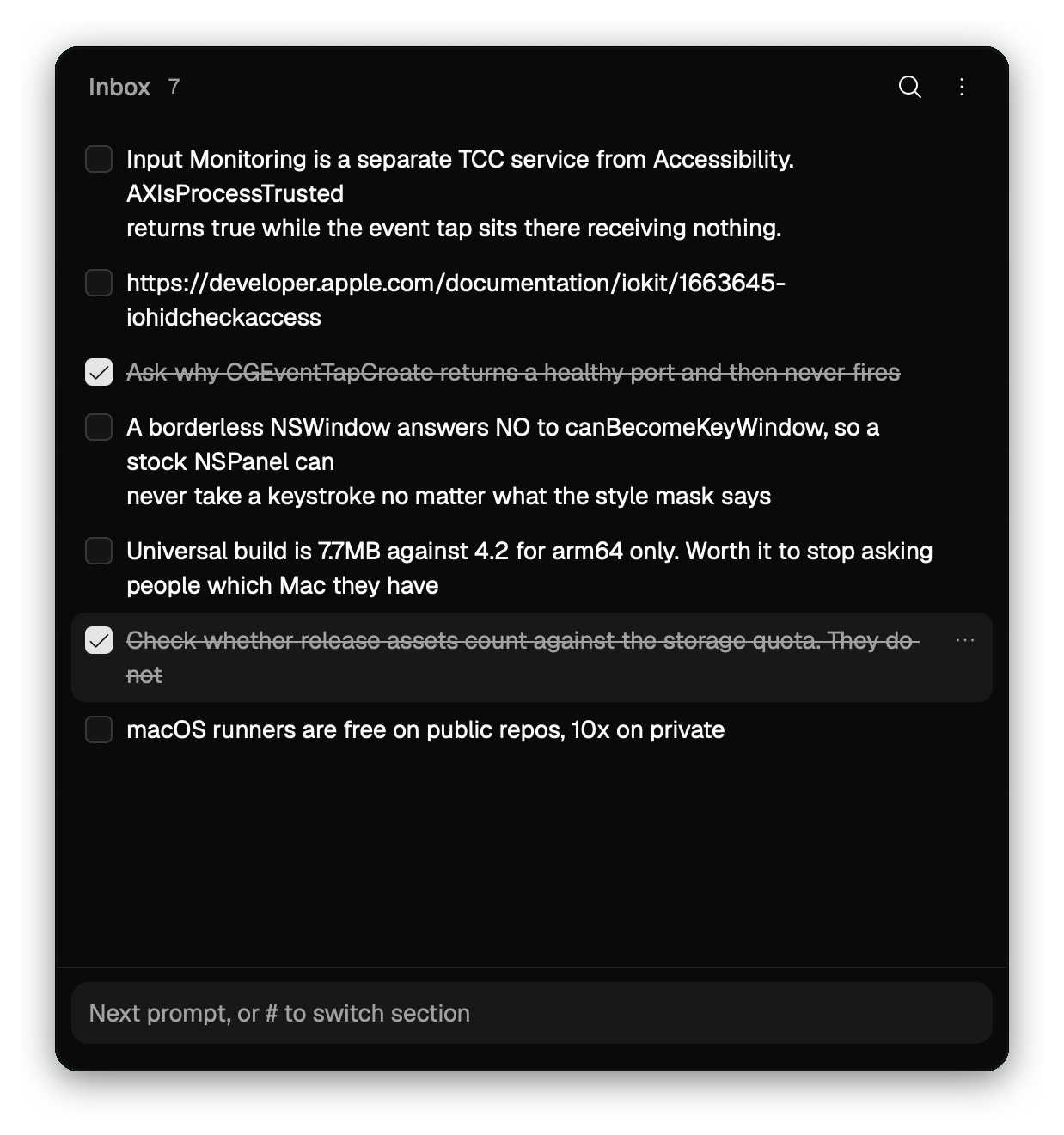
Select text in any app, tap ⇧ twice, and it lands in a pad that stays out of your way. Tick a few later, copy them as a numbered list, paste the lot into a prompt.
Try it here. Select any words on this page, then tap your Shift key twice. No Shift key? Tap the big one twice.
One universal .dmg for Apple silicon and Intel, signed and notarized. No account, no sync, no telemetry.
One key, three moods.
There is no shortcut to learn. Where the keyboard is and whether anything is selected decide what the double-tap means.
Shift keeps being Shift. JogPad only listens, so capital letters still work and nothing gets swallowed.
- ⇧Text is selected
- It goes into the pad, and the pad shows itself without taking the keyboard. You keep reading where you were.
- ⇧Nothing is selected
- The pad opens with the cursor in its input, so you can type the thought before it goes.
- ⇧The pad has the keyboard
- It hides. Tap again from any app to bring it back.
The other keys.
- ⌘K
Switch or create a page. Hover a page to rename or delete it.
- ⌘1
Jump straight to a page, ⌘1 through ⌘9, inside the ⌘K list.
- ⌘⇧C
Copy the selected items as a numbered list.
- ⌘F
Search across every page.
- ⌘A
Select everything visible.
- ↑↓
Move the selection. Hold ⇧ to extend it.
- ⌫
Delete the selected items.
- ⌘−
Zoom out. ⌘+ zooms in, ⌘0 goes back to 100%. The window resizes with it.
- ⌘W
Hide the pad. Capture keeps working while it is hidden.
- ↩
While editing an item, save it. ⇧↩ starts a new line.
- ⌘Q
Quit.
The menu bar icon toggles the pad, and a right-click on it shows Show, Hide and Quit. Items drag to reorder. Done items fold away under a "Done" heading at the bottom, and copying ticks them off as it goes.
macOS will ask twice.
Reading what you selected in another app takes two grants, Accessibility and Input Monitoring. JogPad asks for the second one itself, and macOS usually hands it over without a prompt.
Without them it still works as a scratchpad. It just cannot see what other apps have selected.
- Drag JogPad to Applications first. macOS ties the grant to the app's path, so moving it afterwards means granting again.
- Open it and tap Shift twice. macOS asks for Accessibility access. Say yes.
- That's it. If a double-tap captures nothing, the banner in the pad opens the right pane in System Settings.
JogPad updates itself. It checks hourly, and nothing downloads until you click. Stable, Beta and Dev are a switch in Settings, not separate installs.
It's one file.
Every page and every item is plain markdown in one file under Application Support. Read it, copy from it, diff it, back it up.
JogPad owns its shape: ## headings are pages, task-list entries are items. It rewrites the whole file on every edit, so markdown it does not model will not survive a hand edit.
~/Library/Application Support/com.ycmjason.jogpad/notes.md## Try it

- [ ] Select any text on this page and tap Shift twice. It lands here.
- [ ] Tick a few items, then ⌘⇧C copies them as a numbered list.
- [ ] Drag this header and the panel floats over the page. Pull any edge to resize it.
- [x] ⌘K switches pages